 Fluid
FluidHowever you work, Fluid fits.
One app for the day, and a Mac that gets out of your way. Pick the story that sounds like yours.
For everyone
Know what's next.
Do it in one place.
Tasks, notes and calendar in one app, on every Apple device. Today tells you what's on now and what's next, so you never check three places.
Start the day knowing
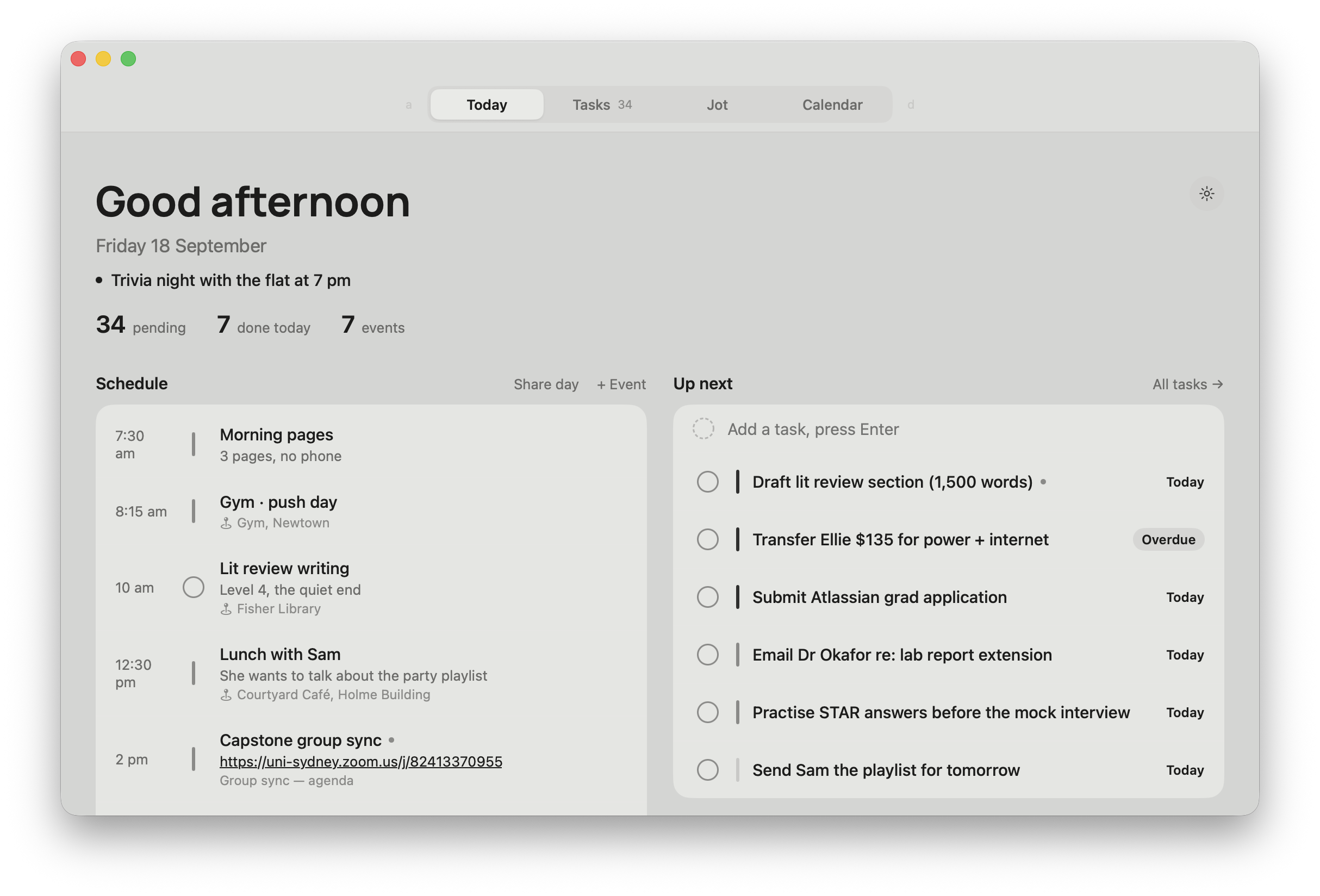
Good morning, the date, and one line: what's on now and what's next. Refreshed every 30 seconds.
Tick and move on
Type it, pick a priority, Enter. Tick it, and Undo waits 1.5 seconds if you slip.
A page for every day
Today's jot is always there for the small stuff. Yesterday's is one tap away, and every day before it.
Your Apple apps stay
Reminders and Calendar sync both ways. Widgets on the Home Screen and Lock Screen. Nothing to migrate.
For students
Lectures, deadlines and notes that stay together.
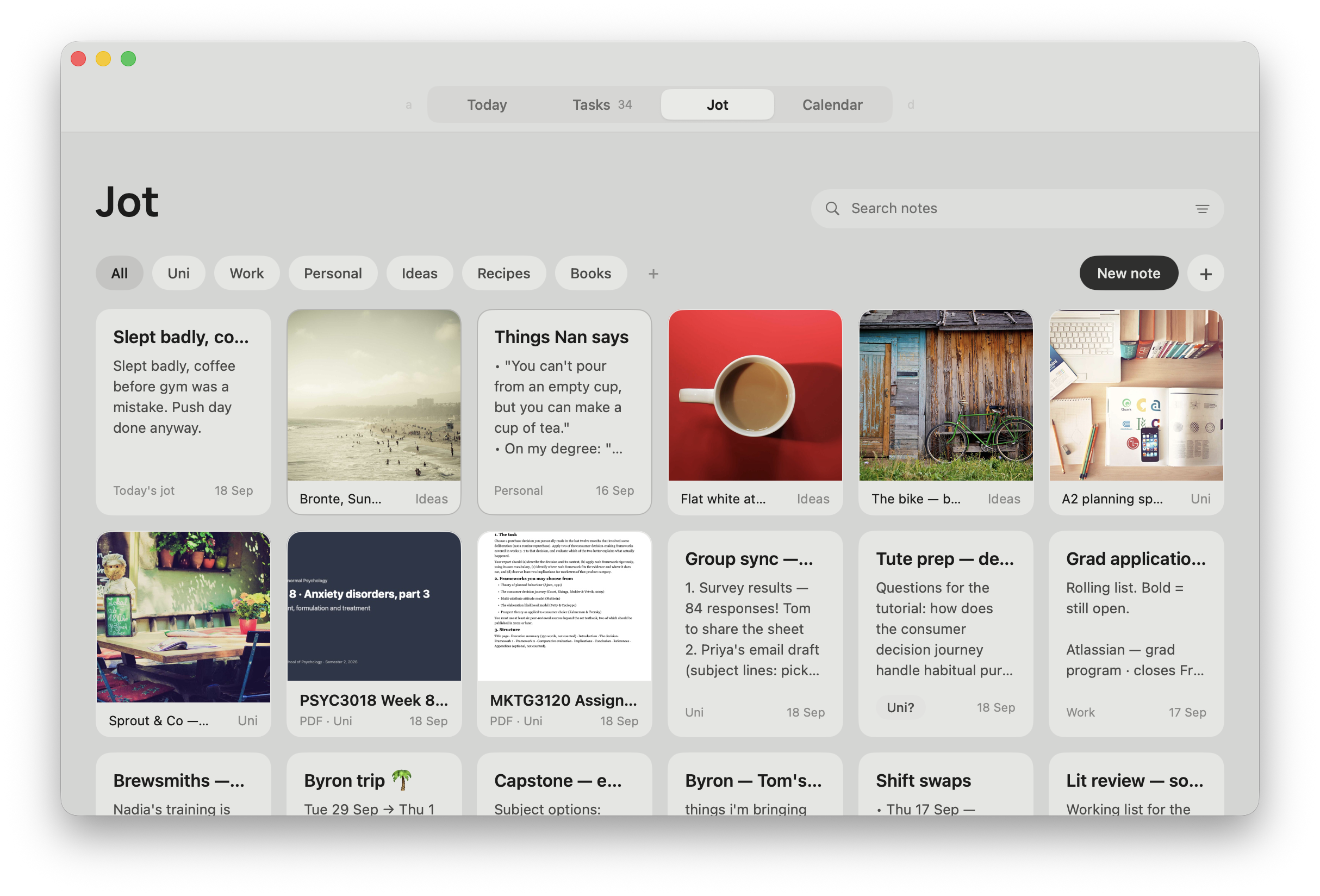
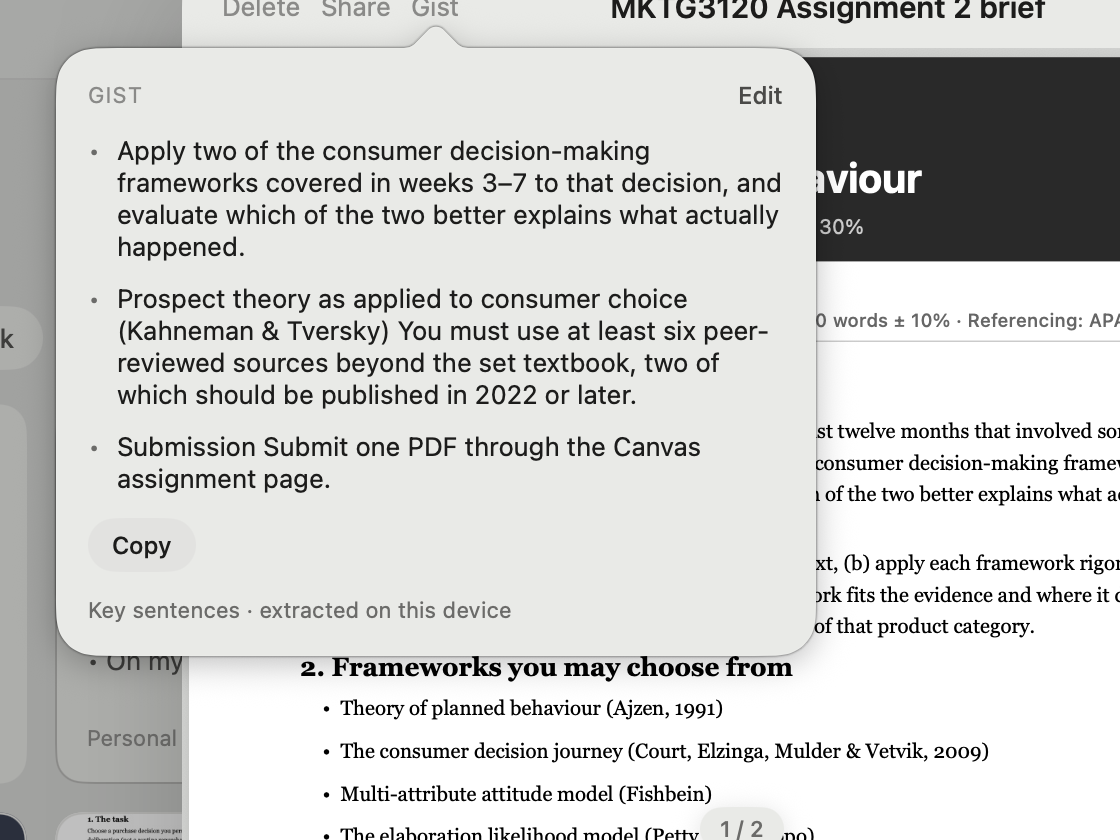
Drop a lecture PDF into Jot and get a three-sentence gist. Capture a quote from any reading without leaving it. Focus on one thing until it's done.
Gist a PDF
Up to 3 key sentences from any PDF or long note, chosen on your device.
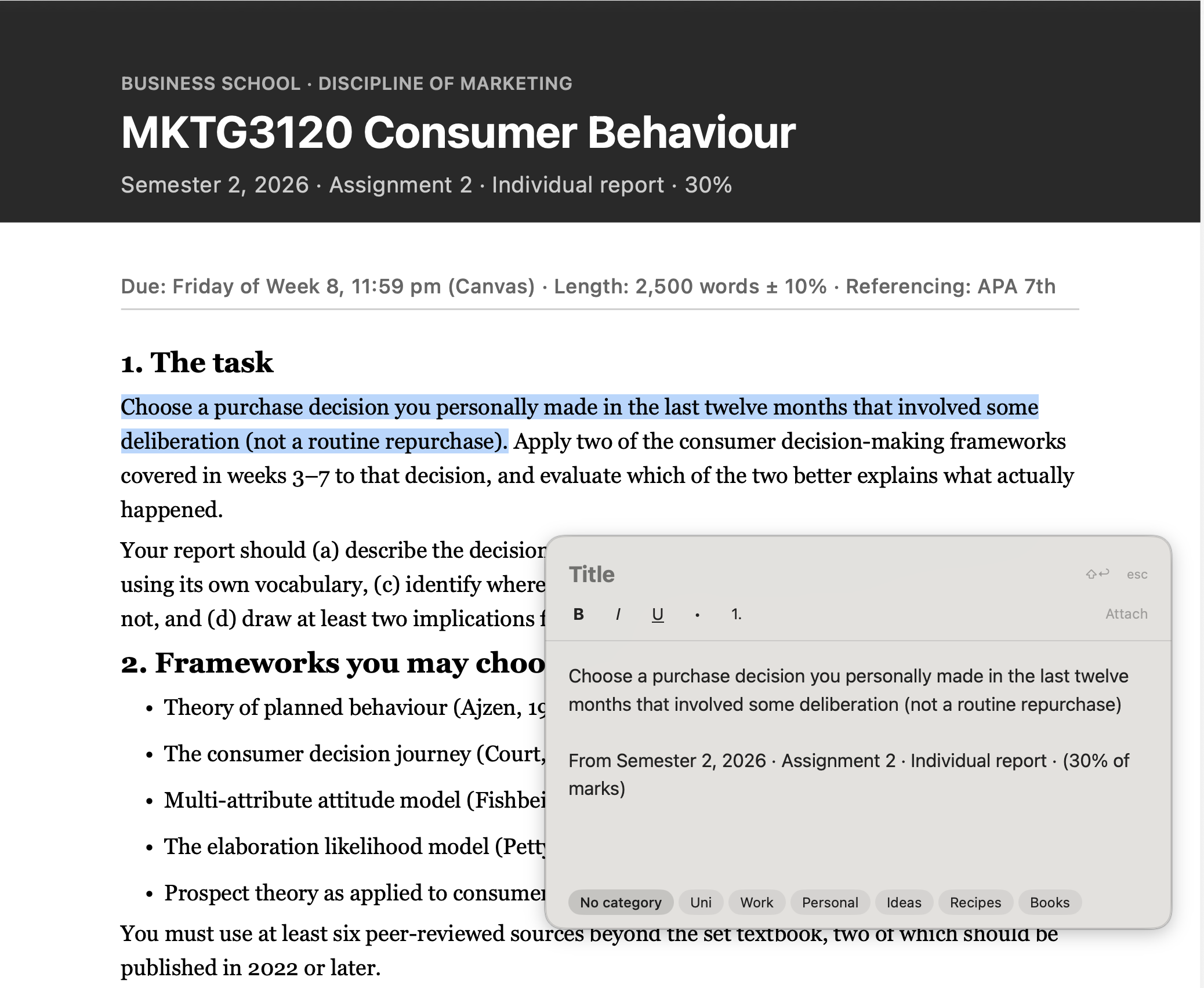
⌥ Space Space
Reading a paper? Select, hold ⌥, tap Space twice. The quote is a note with its source.
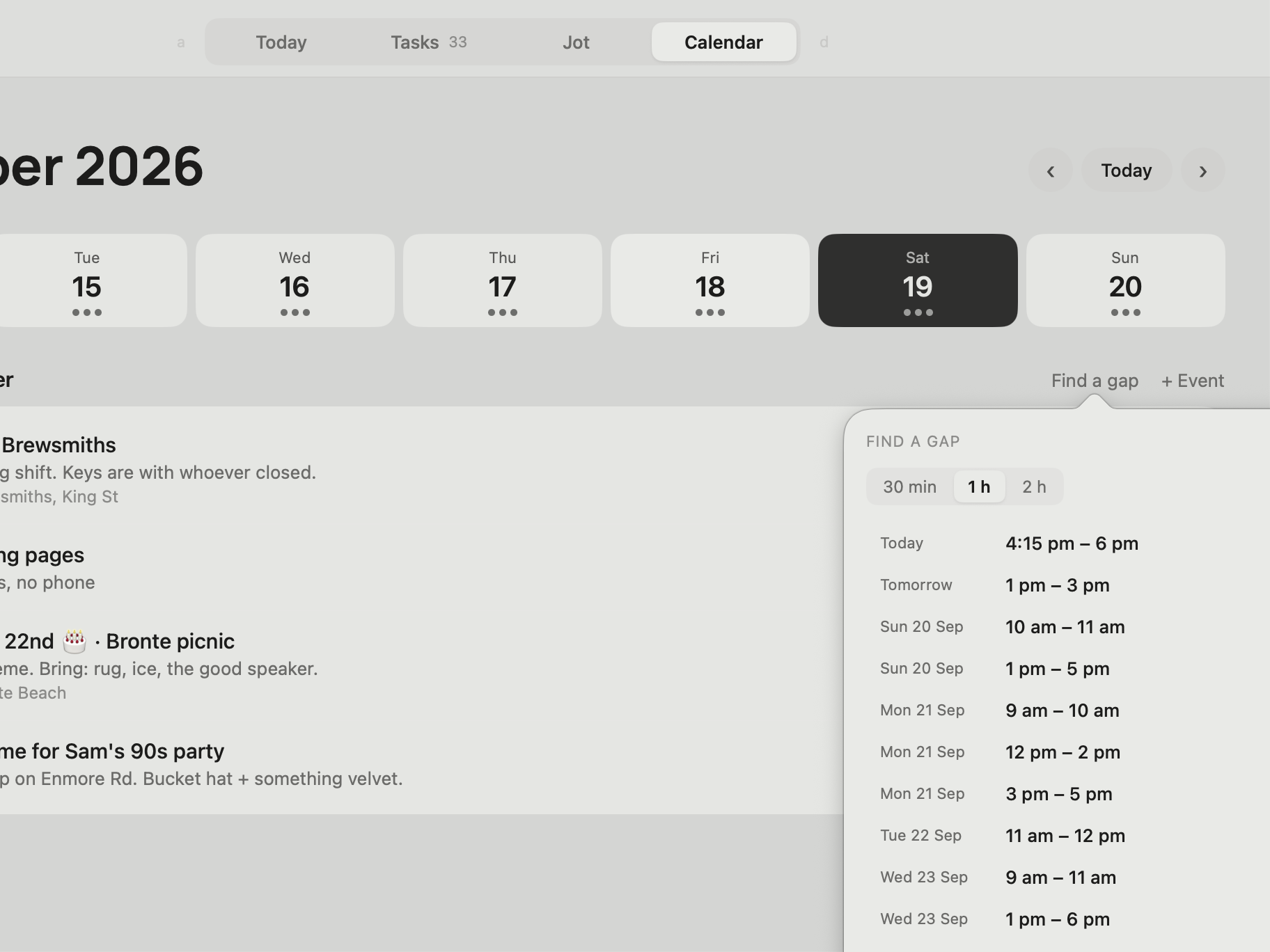
Find a gap
Free 30-minute, 1-hour or 2-hour slots this week. One tap blocks the time.
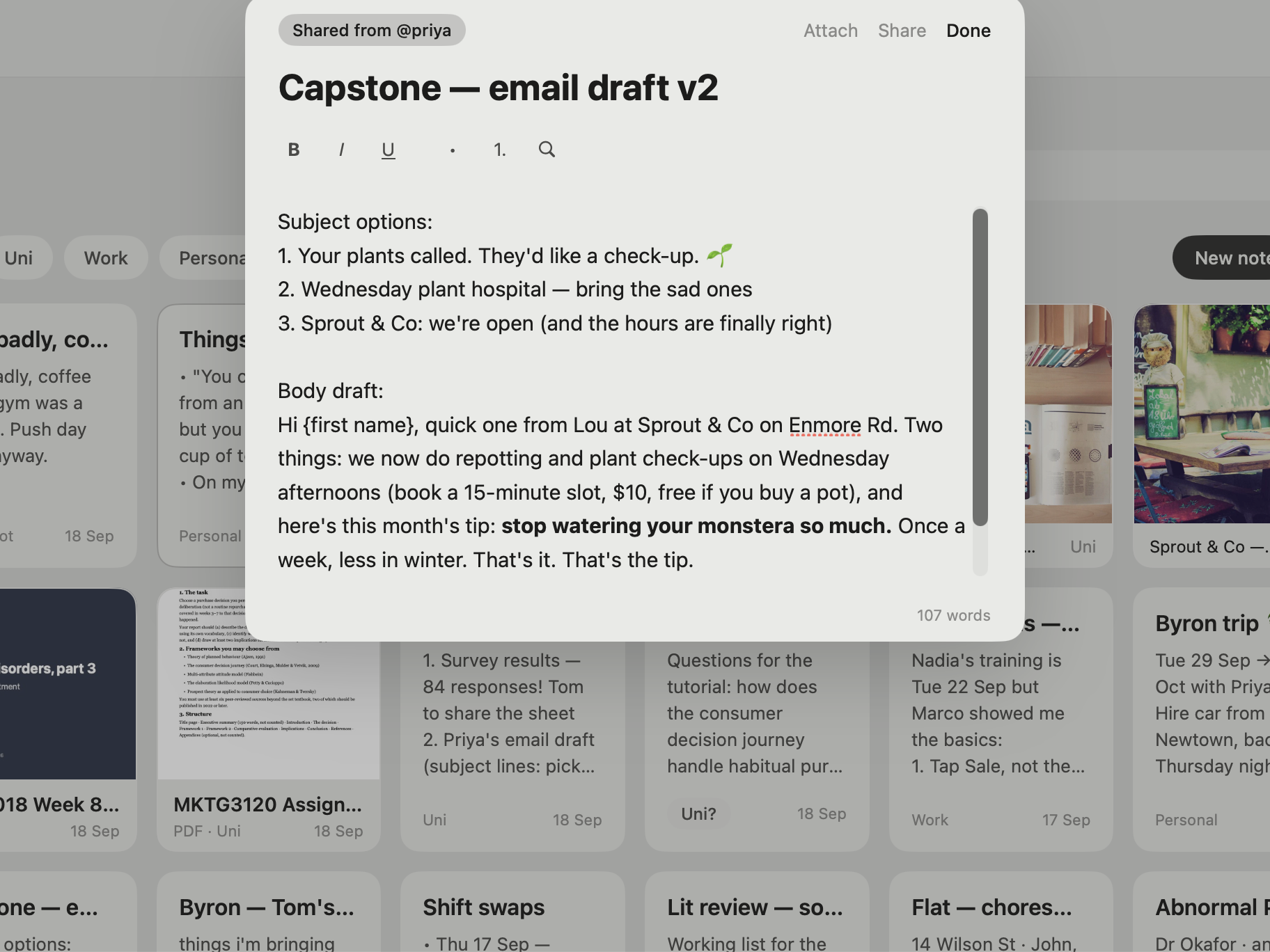
Group notes
Share a note with a friend's Fluid username. Everyone's edits sync to the same note.
For developers
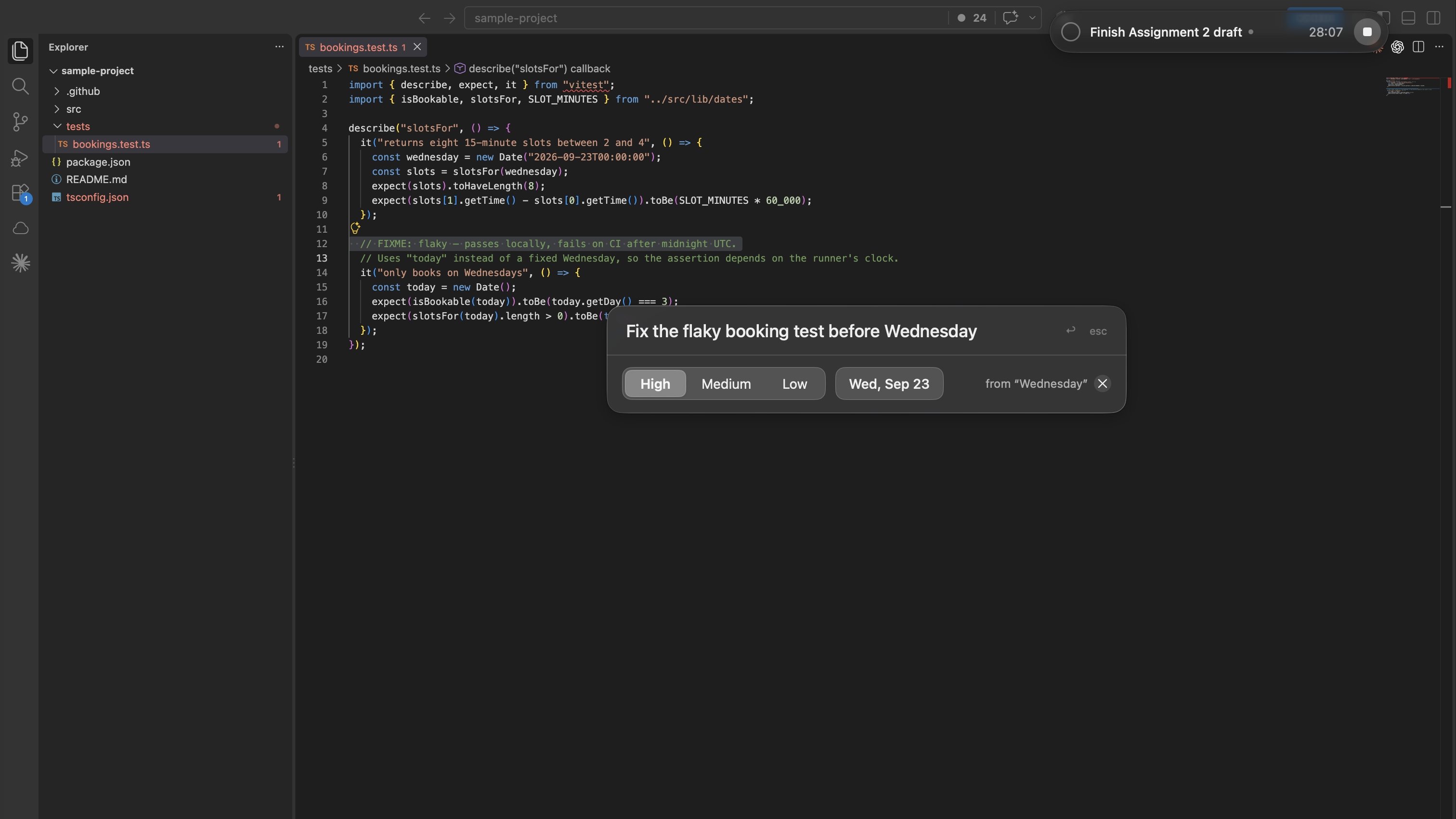
Add a task without leaving the terminal.
Hold ⌥, tap Return twice, and a task palette floats over your editor. It understands “before Wednesday”. Fluid never comes forward.
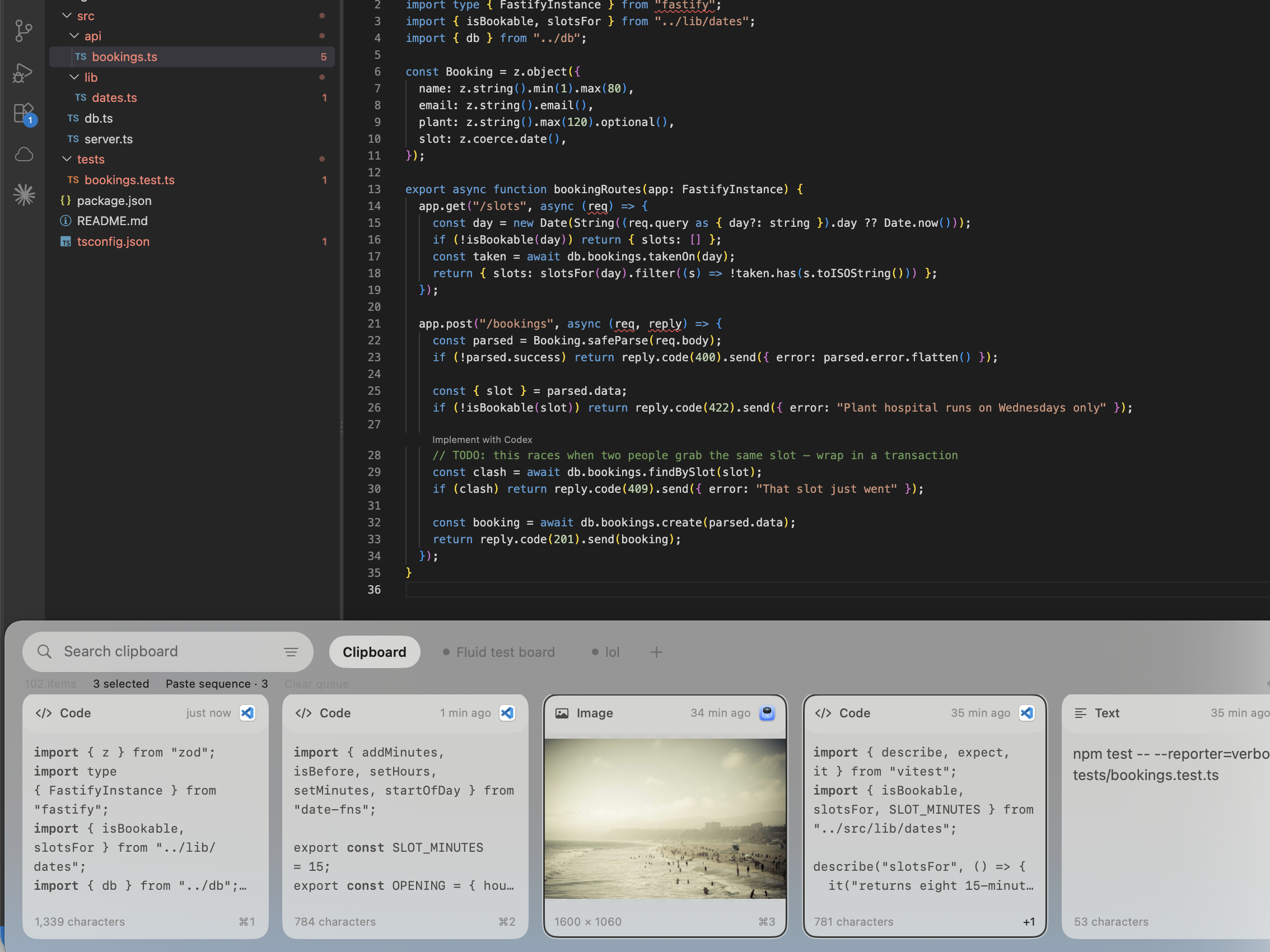
Versatile code snippet collections
Code cards keep their shape, monochrome by design. Pin them to a board, paste into any editor.

Paste in a sequence
Copy a handful of things, pick them in the shelf, hit Return. They paste in your order.
No more accidental overwrites
Copy something, then something else. The first is still there, up to 100 back.

⌘K Search and Do
“task fix flaky test” creates it. Filter with chips like type: and due:.
For designers and creators
Colours, references and copies, close at hand.
Swatches and references in Jot. Everything you copied, one shortcut away. Every window, one ⌥Tab away.
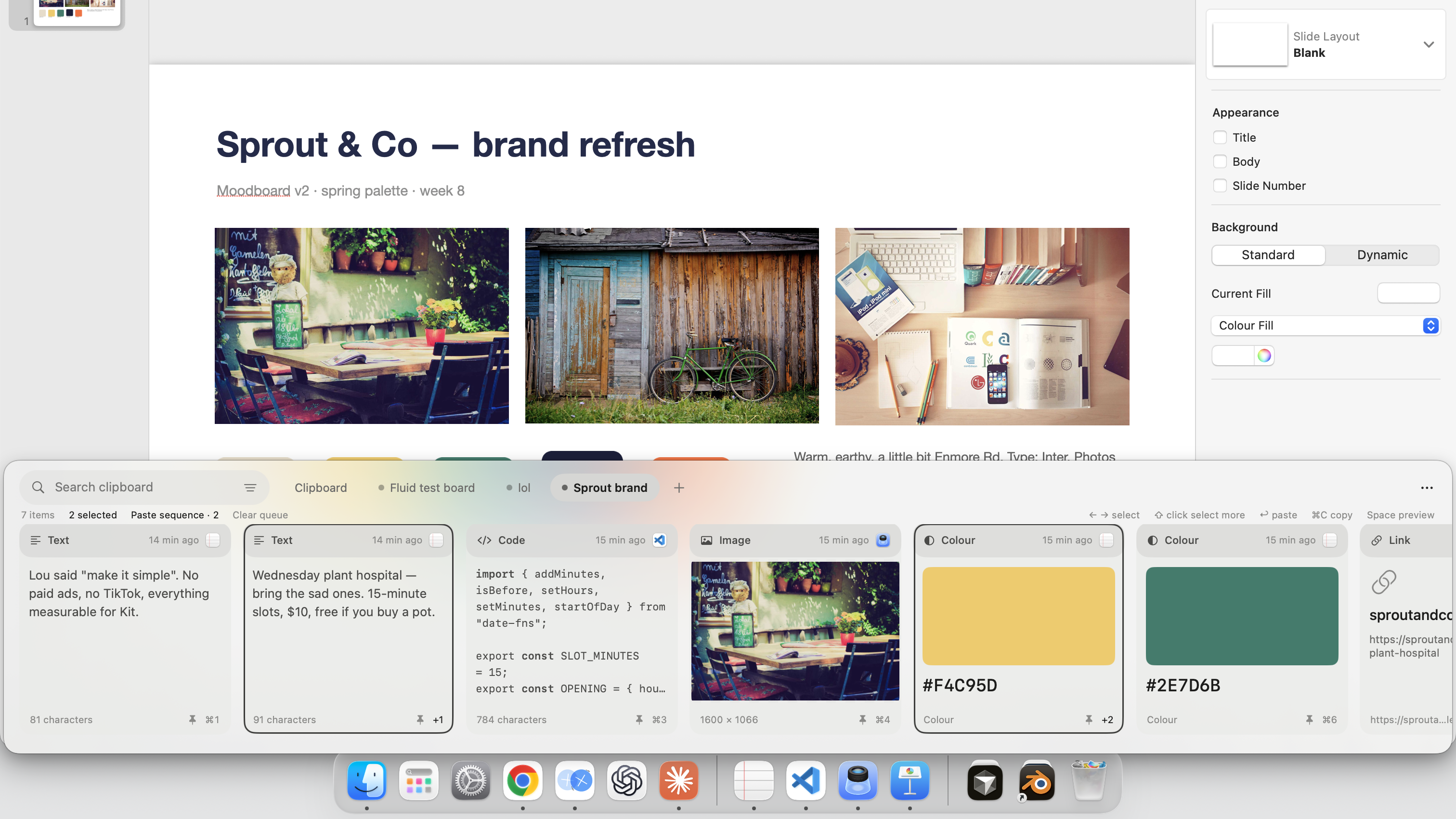
- #E2445C
Colours you copied, as swatches
Copy a hex and the shelf shows the colour. Pin a palette per project.
- PDF
Image and reference notes
Drag screenshots, moodboards and PDFs onto the grid. Pin the three you keep returning to.
- Image#F6C343#3B2F5C
A shelf of colours and images
⌘⇧V opens everything you copied. Colours show as swatches, images as thumbnails.
- ⌕ brief|
⌥Tab across windows
Figma, the brief, the reference. Every window with a live preview; type to find one.
macOS 15 or later · Apple silicon and Intel