 Fluid
FluidGetting started
Two steps. Then Fluid opens on Today.
Install it and sign in with Apple. First-time setup helps you choose your Mac extras; you can change them later in Settings.
Download and install
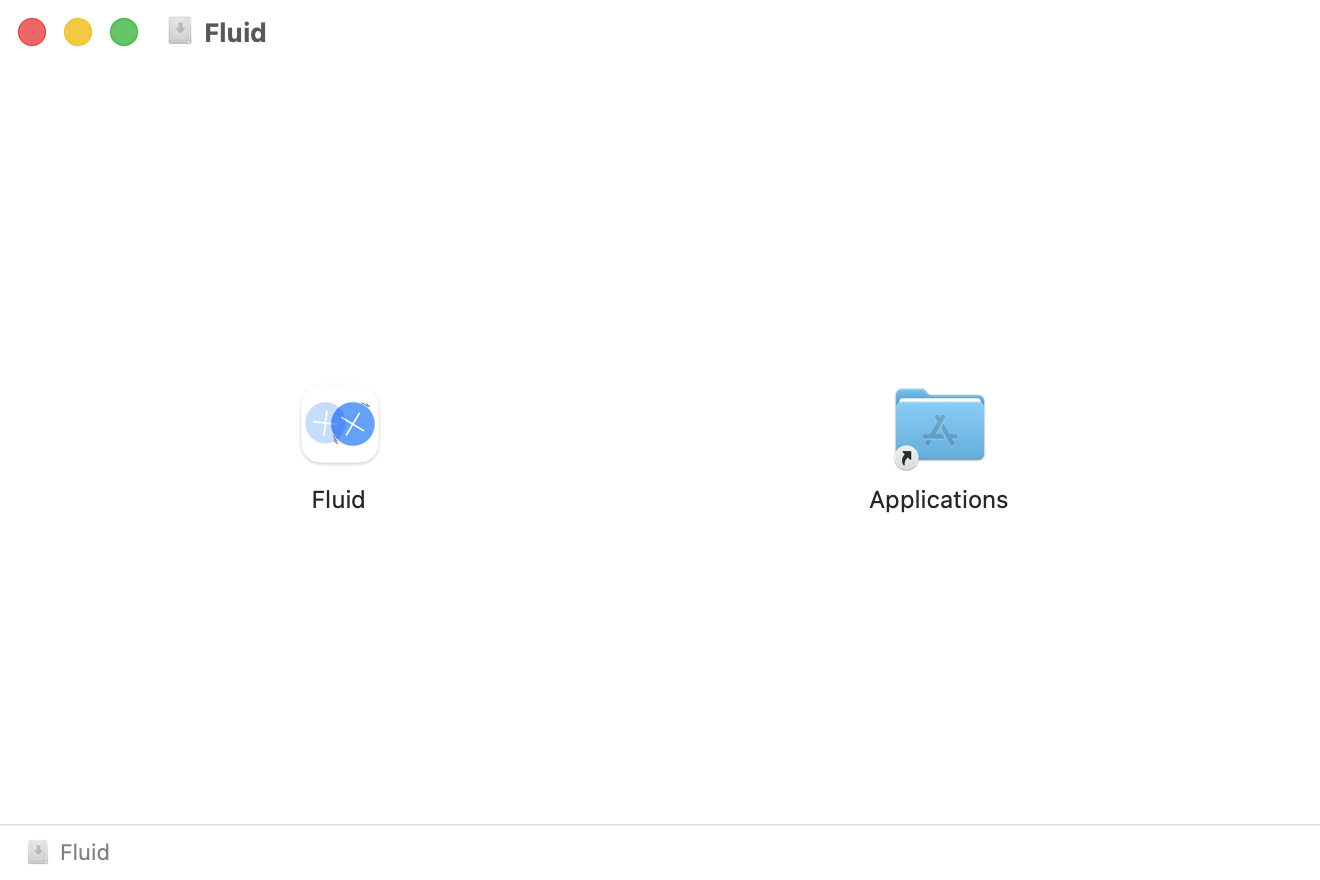
Download Fluid for Mac. Open the .dmg and drag Fluid into Applications. If you already have Fluid, choose Replace. Open Fluid from Applications; the first time, macOS may ask you to confirm.
Sign in with Apple
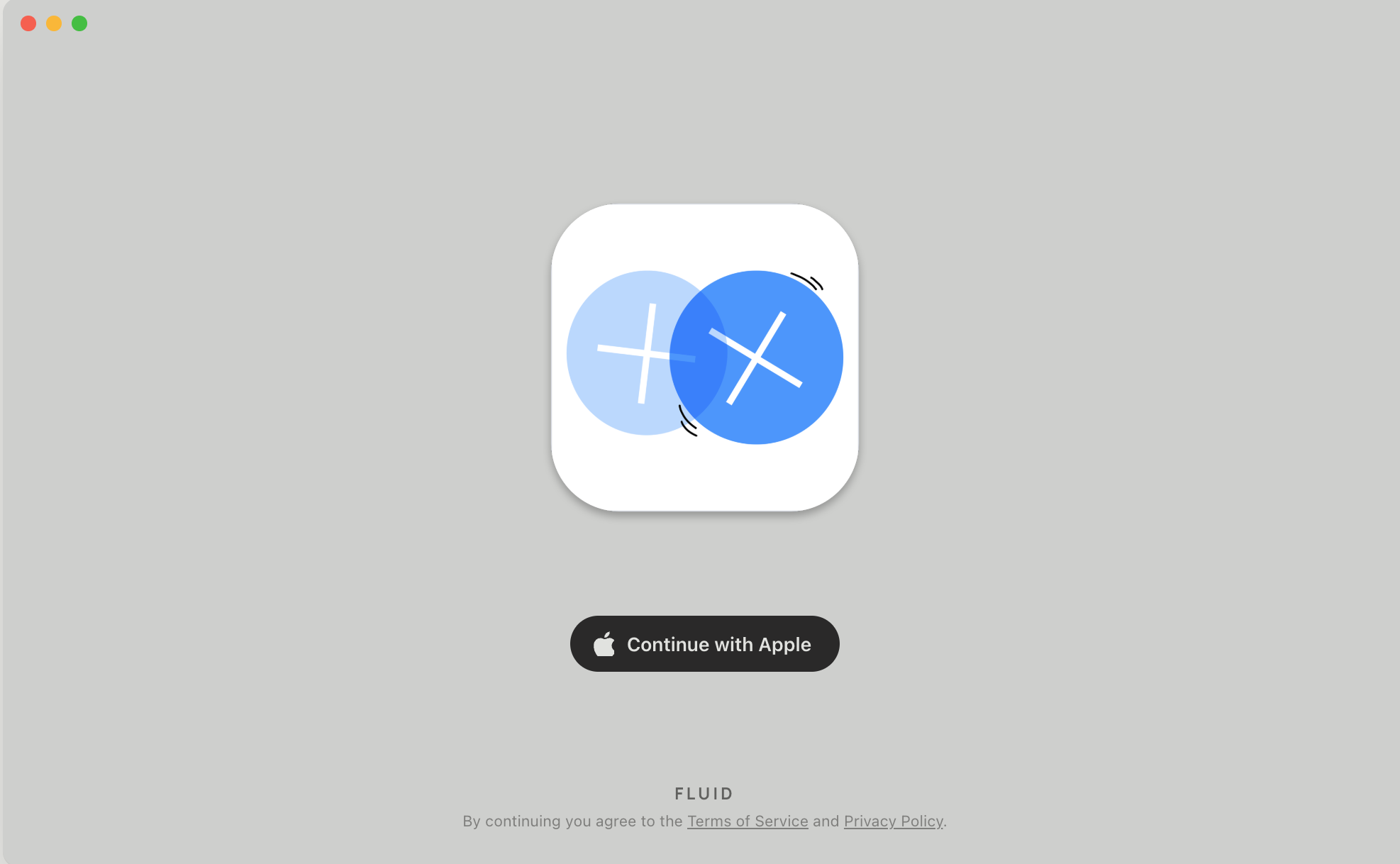
Choose Continue with Apple to create an account or sign in. It asks for your name and email only, and Hide My Email works. Your session stays in the Keychain, so you sign in once. Invited accounts can also use Sign in with email; public email sign-up is not available.
Sign in with the same Apple ID on your iPad or iPhone and your tasks, notes, events and settings are already there.
That's it
Fluid opens on Today. The pages are Today · Tasks · Jot · Calendar; press 1–4 to switch. Settings are behind the round sun button at the top-right of Today.
When you're ready
- Dictate into any appSettings → This Mac → Dictation. Enable dictation, allow Microphone and Accessibility, and download the offline models. Hold Fn to talk; release to insert.
- Connect Apple Reminders and Apple CalendarSettings → Connections → Connect. Two-way, from every list and every calendar.
- Quick add from any appSettings → This Mac → System → Quick add anywhere → Enable. Hold ⌥ and tap Space twice for a note, Return twice for a task.
- Make this Mac yoursLocal dictation, the Dock, the window switcher, the clipboard shelf and display controls. Each opt-in, each independent.
Fluid is free, with no subscriptions or in-app purchases.